If you've ever needed to ask a question across a dozen PDFs and a week of meeting recordings, you know the drill. Open four apps. Search each one separately. Copy-paste between tabs. Reconstruct context from memory because no single tool holds the full picture.
That's frustrating enough on its own. But if you work with sensitive material, there's a harder version of this problem: most AI tools that could help require you to upload everything to someone else's server. For a lawyer handling client files under professional secrecy, a financial adviser bound by MiFID II, or a researcher whose ethics board won't approve cloud processing of interview data, that's a compliance boundary.
We built OmniForge because we kept running into both problems at once. It's a desktop app for macOS that keeps your documents and audio in one private, searchable workspace with an AI assistant that runs entirely on your machine.
What it actually does
You drop files into OmniForge — PDFs, markdown, text, spreadsheets, XML — and the app indexes them locally on your disk. Then you ask questions. The assistant retrieves relevant passages, generates answers grounded in your sources, and links back to where each claim came from.
No guessing where an answer originated.
That's the document side. The other half is audio.
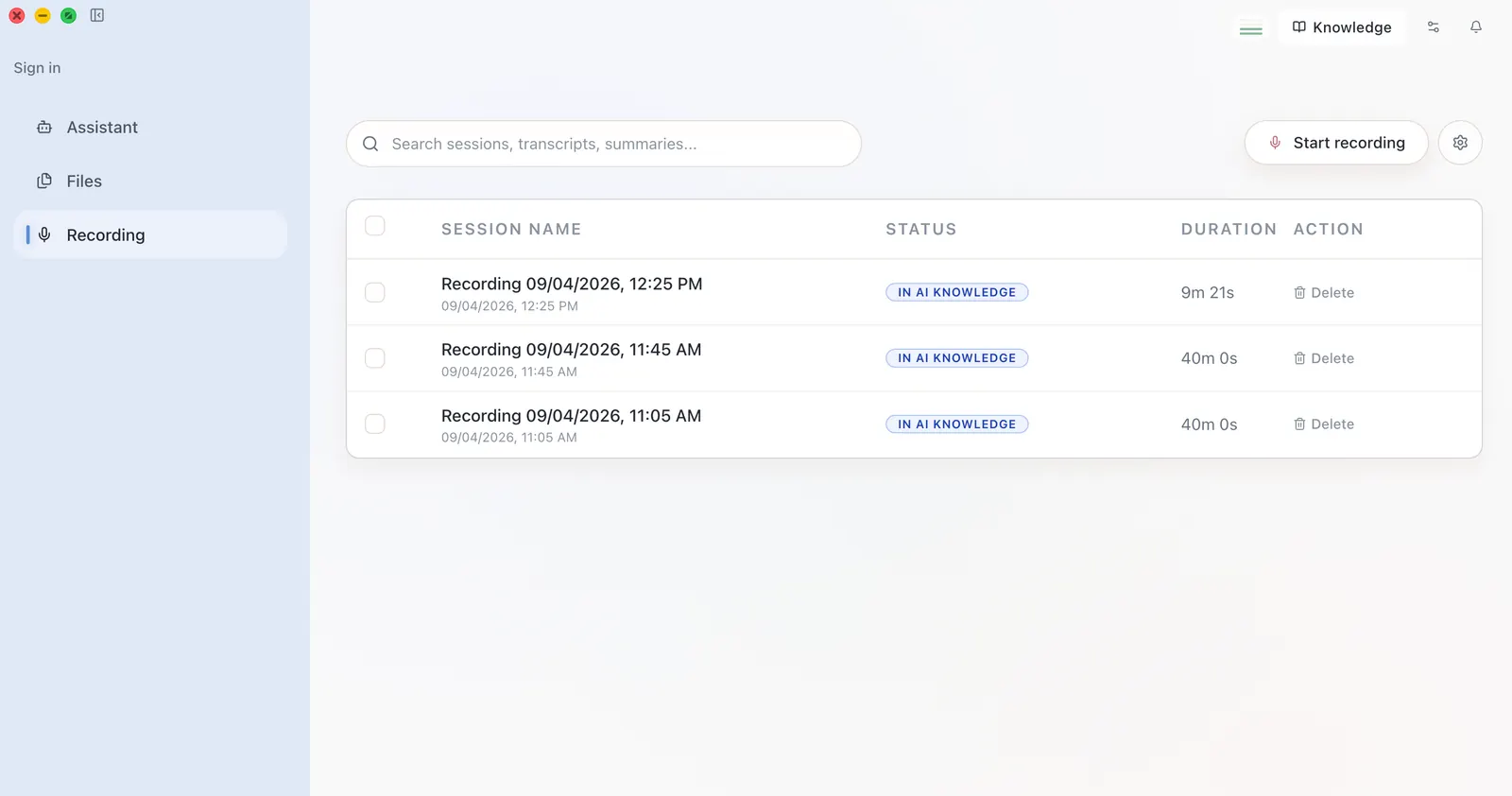
OmniForge records meetings, lectures, and dictation and transcribes them on-device. Transcripts get indexed into the same knowledge base as your documents. So when you ask "what did we decide about the Q3 timeline?", the assistant can pull from both a project plan PDF and last Tuesday's meeting recording.
The tools most people use today don't talk to each other:
- Voice Memos handles recordings.
- A separate app does transcription.
- Finder holds your PDFs.
- Maybe NotebookLM fields one-off questions.
You're the integration layer, and that gets old fast. OmniForge collapses all of it into one workspace. Everything lives in your user data directory — you can back it up, move it, or delete it. There's no account required, no telemetry, and the app works entirely standalone.
Why local-first, and what it costs
We chose local-first because the people we're building for need it. It's a hard requirement.
Cumulative GDPR fines have reached €7.1 billion since 2018, with €1.2 billion issued in 2025 alone. The EU AI Act, with phased enforcement running through August 2027, adds penalties up to 7% of global annual turnover for prohibited AI practices.
If your work involves client data, patient records, or confidential research, sending files to a third-party API isn't something you can decide casually.
The trade-offs
We'd rather be honest about what local-first costs you today.
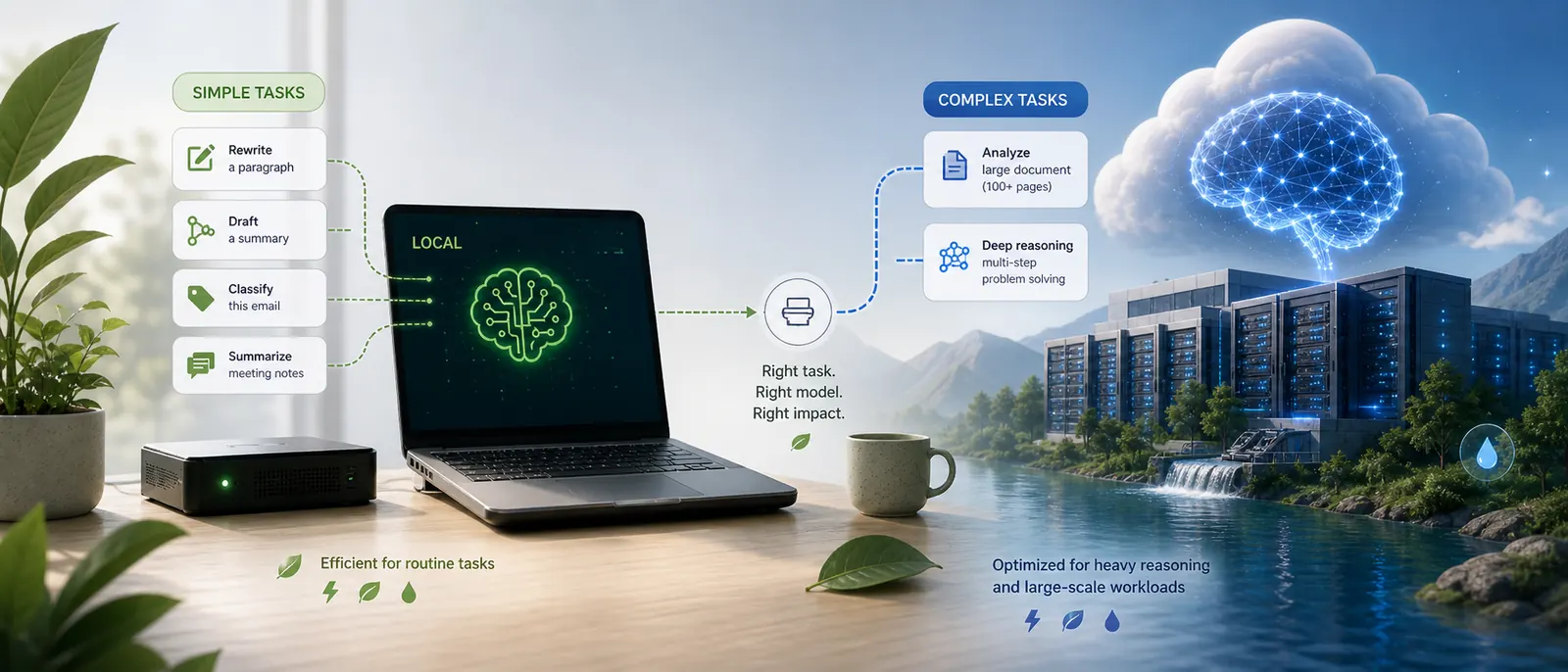
Model capability. Local AI models are not as capable as the largest cloud models for complex reasoning. The quality gap has been closing steadily, but it's real. If you need the absolute best output for a nuanced legal analysis, a local model may not match it yet. We're working on optional cloud model support for exactly this reason, but today OmniForge runs fully offline. That's a deliberate choice, and we're upfront about it.
Platform support. We're macOS-first because Apple Silicon gives us the best local transcription performance. We'll expand to other platforms, but we're not pretending to be cross-platform today.
Structured extraction beyond search
If you've used a document-chat tool before, you know the pattern: ask a question, get a few paragraphs that seem related, piece together the answer yourself.
That works for "find me the paragraph about X." It falls apart when you need an actual structured answer.
OmniForge extracts structured data from financial documents: entities, analytics records, numerical fields. It stores them as queryable records alongside the search index. That means you can ask "what was the total advisory fee across all Q2 client reports?" and get an aggregated answer instead of a list of vaguely relevant paragraphs.
This is where the product diverges from tools like AnythingLLM or ChatPDF. Those are good at document chat. They're not trying to parse a financial statement into structured fields you can query and aggregate. We are.
Who this is for
We built OmniForge for people who accumulate information across files and conversations and need to retrieve it without sending everything to a third party.
The strongest fit today is knowledge workers who handle sensitive material:
- Lawyers cross-referencing case files and client interviews
- Financial advisers processing compliance documents and meeting notes
- Researchers synthesizing interview recordings with literature
- Journalists protecting source material and unpublished reporting
- Product managers at companies where roadmaps, user research, and strategy docs can't leave the building
These users have the most urgent reason to care about where their data lives.
But the core problem — fragmented knowledge across disconnected tools — is one most of us share. If you're a project manager juggling plans, status reports, and meeting recordings across four apps, or a student trying to connect lecture recordings with course PDFs before exams, the same workflow applies.
The information exists. It's just scattered.
Get started
OmniForge is free to use with up to 50 indexed files and 40-minute recordings. That's enough to try it with real work and see if it fits.
If you need more room, the Starter plan removes those limits: unlimited files, unlimited recording time, and multiple workspaces for €9.99/month (or €99.99/year).
Download it at omniforge.online. We're a small team based in Europe, building this because we needed it ourselves and couldn't find it anywhere else. If you have feedback or want to follow what we're building, join us on Discord or subscribe to the newsletter.